
Shopify max 1 per customer: practical setup options
Need to limit customers to one item each on Shopify? Here's how to set up max-1-per-customer rules for flash sales, limited drops, and sample products without Shopify Plus.
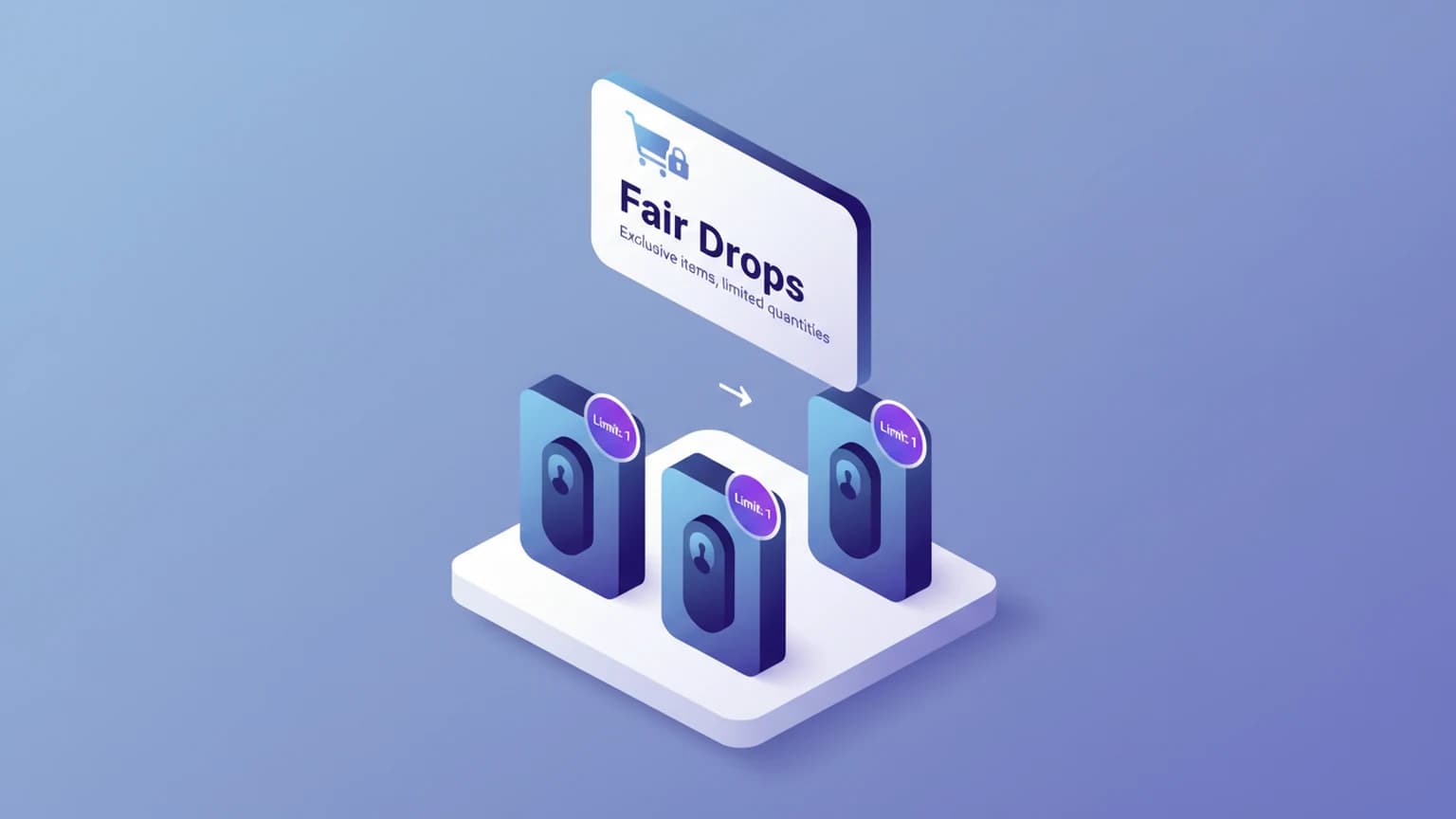
You're dropping a limited product. Maybe it's a collaboration sneaker, a vinyl pressing, or a sample kit. You want every customer to get a fair shot — max one per person. But Shopify doesn't have a native "max 1 per customer" setting. Here's how to actually set it up.
This guide covers the exact rule. If your real worry is one buyer clearing a whole drop, see how to stop customers from buying all stock for the broader inventory-protection toolkit. For limits tied to a timed sale, see Shopify flash sale purchase limits.
Why Shopify doesn't have this natively
Shopify tracks inventory at the variant level. If you have 100 units, the system happily lets one person add all 100 to cart. There's no built-in "per customer" limit on any plan.
This works fine for regular retail. It breaks down for:
- Limited drops and collaborations
- Flash sales with deep discounts
- Sample or trial products
- High-demand restocks where you want fair distribution
- Preorders with capped allocation per buyer
What's actually possible without Plus
If you're not on Shopify Plus, your practical options are:
Apps that enforce at cart/checkout — Most order limit apps work by validating the cart when a customer adds items or proceeds to checkout. They identify customers by account (logged in) or by email/session (guests). Rules are configured per product, variant, or collection.
Theme-level quantity selectors — You can hardcode max="1" on the quantity input in your theme. This stops casual over-ordering but doesn't stop someone from editing the cart or using the API. It's a UX hint, not enforcement.
Checkout validation Functions (Plus) — On Plus, you can enforce per-customer quantity rules with Cart and Checkout Validation Functions. This is genuine enforcement, but it runs late in the funnel — the buyer has already invested time before they're blocked.
What to look for in an app
Not all limit apps handle "max 1 per customer" the same way. Check these:
- Guest enforcement — Does it work before login? Many apps only enforce at checkout after authentication, which means a determined buyer can still hoard in cart.
- Variant-level rules — Can you set "max 1" on the black colorway but "max 3" on white?
- Collection-level rules — Applying a rule to a "Limited Drop" collection is faster than configuring product by product.
- Cart vs checkout validation — Cart validation catches the issue earlier. Checkout validation (via Functions) is a safety net but runs later.
- No theme edits required — Apps using App Blocks or Functions don't need theme code changes.
A practical setup for a max-1 drop
Say you're releasing 200 units of a limited item. Max 1 per customer.
- Create a "Limited Drop" collection and add the product.
- In your order limit app, create a rule: Collection = "Limited Drop" → Max 1 per customer.
- Choose enforcement: Cart validation (blocks at cart) is better for UX than checkout validation.
- Test it: Open an incognito window, add 2 to cart, verify the second is rejected or reduced.
- Put "Max 1 per customer" on the product page and in your drop announcement — set expectations before they click "Add to cart."
What about customer tags?
Most apps let you exempt or adjust limits by customer tag. Common patterns:
- Tag wholesale/VIP customers → higher limits or no limits
- Tag "staff" or "influencer" → custom allocation
- Default everyone else to max 1
This is useful when you have a mixed audience but only want strict limits on retail buyers.
Does this stop bots?
Purchase limits raise the difficulty. A basic script hitting "add to cart" repeatedly hits the limit. But sophisticated bots that rotate accounts, emails, or sessions can still bypass per-customer limits. If bot protection is a real concern, layer dedicated bot mitigation (Shopify's built-in bot protection or a third-party service) on top of quantity limits.
Limits make it harder for one person to clean you out. They don't make it impossible for determined actors. Set expectations accordingly.
FAQ
Can I set max 1 per customer on Shopify without an app?
On standard plans: no. Shopify Plus merchants can use Shopify Functions (Cart and Checkout Validation) to enforce per-customer quantity limits, but this requires development resources. For non-Plus stores, an app is the practical path.
Does Shopify have a native "max 1 per customer" setting?
No. Inventory tracking limits total stock, not per-customer quantity. There's no native setting for "maximum 1 per customer" on any plan.
Can I set different limits for different customer groups?
Yes, most order limit apps support customer tags. You can tag wholesale customers as "VIP" and give them higher limits (or no limits), while keeping strict limits for retail customers.
What happens when a customer hits the limit?
Depends on the app. Most will either:
- Block the "Add to cart" action with a message
- Auto-reduce the quantity to the max allowed
- Show an error at checkout
Test your specific app's behavior so you can write accurate messaging on your product page.
Does this work with Shopify POS?
Most cart/checkout validation apps only work on the online store. POS typically bypasses these validations. If you need in-person limits, check the app's POS compatibility or use a POS-specific solution.
Running limited drops on Shopify? Nexo Order Limits lets you set per-customer, per-order, and time-based quantity rules without touching theme code. Works on cart and checkout, supports collections and customer tags, and doesn't require Shopify Plus.