
Shopify flash sale purchase limits: max 1 per customer and more
Running a flash sale on Shopify? Learn how to set purchase limits like max 1 per customer, quantity caps by product, and time-based restrictions to prevent hoarding and keep drops fair.
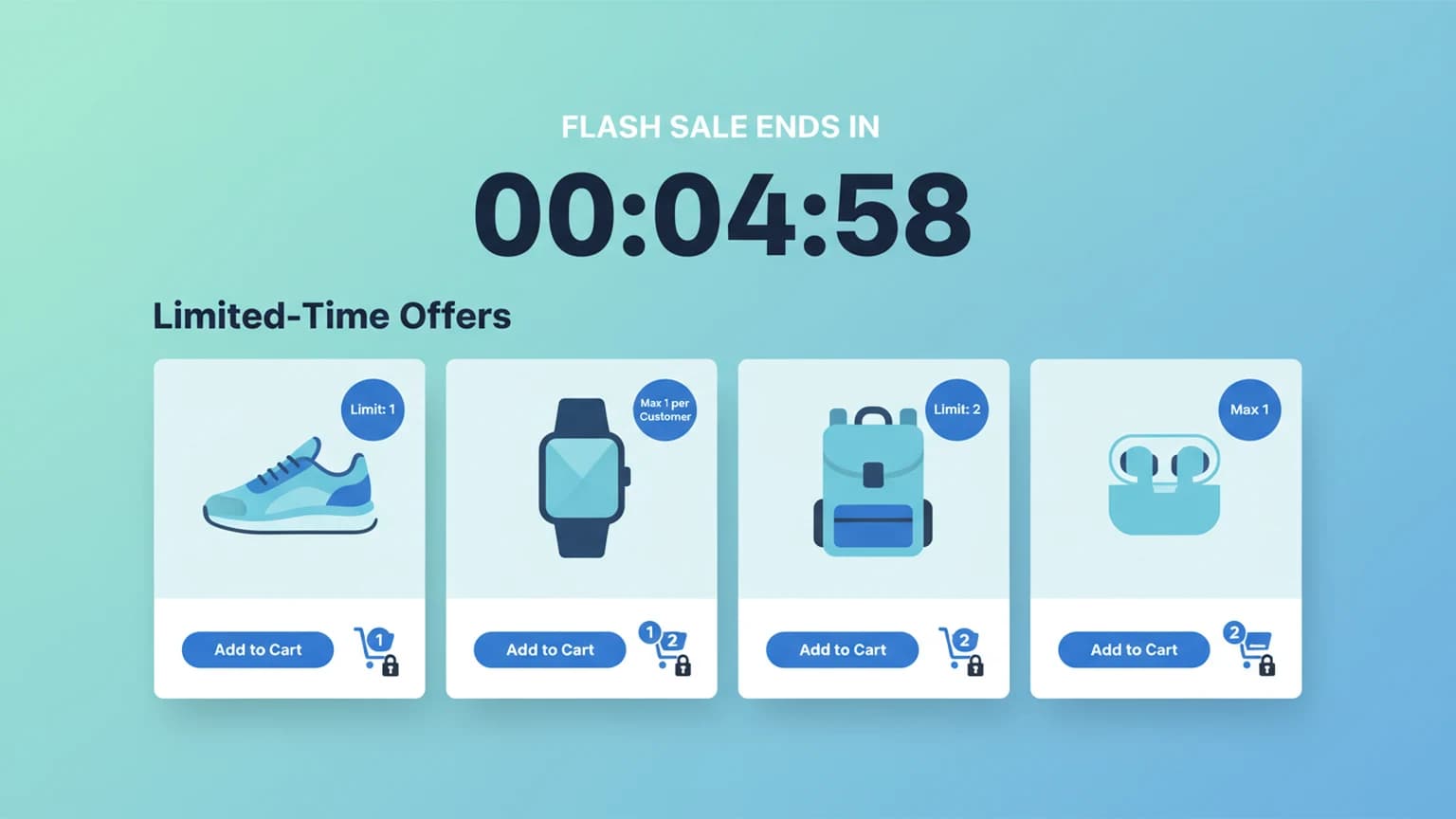
Running a flash sale on Shopify sounds simple: mark down the price, publish, and watch the orders come in. In practice it rarely stays that simple. Without purchase limits, a handful of buyers can clear your entire stock in minutes, leaving everyone else with a sold-out page.
Shopify's native settings don't include per-customer quantity caps or time-based purchase limits. You can set inventory quantities, but you can't tell the platform "one per customer" or "max 3 per person per day" without an app or custom code.
Here's what actually works for flash sale limits on Shopify, and how to pick the right approach for your drop.
This article focuses on limits for a timed sale. For the exact one-per-person setup, see Shopify max 1 per customer. For the broader toolkit to stop one buyer clearing your stock, see how to stop customers from buying all stock.
The core problem: Shopify doesn't natively limit per-customer quantity
By default, Shopify tracks inventory per variant. If you have 100 units, any single customer can add all 100 to their cart. There's no setting in the admin for "max 1 per customer" or "limit to 3 per person per day."
Native options that come close:
- Inventory tracking per variant — stops overselling globally, not per buyer
- Purchase limit apps — the practical route for most merchants
- Shopify Functions — custom cart and checkout validation logic, if you have developer resources
- Theme/cart JavaScript — frontend-only, easily bypassed
If you need per-customer limits, an app is the fastest path. An app that ships a cart and checkout validation Function gives you checkout-level enforcement on any plan. Building your own Function requires Shopify Plus and developer work.
Limit types that matter for flash sales
Max quantity per customer (per order)
The classic "max 1 per customer" rule. Stops one person from buying your entire drop. Works at cart or checkout level depending on the app.
Max quantity per customer (across a time window)
"Max 3 per customer per week" or "1 per customer per drop." This requires tracking purchase history by customer account or email, since a single order can't tell you what someone bought last week. Apps usually do this by checking past orders or tagging customers. Guest checkouts are harder to pin down, since the only signal is the email entered at checkout.
Per-variant vs. per-product limits
Some drops have multiple variants (sizes, colors). You might want "max 1 per customer across all variants" or "max 1 per variant." Different apps handle this differently.
Time-based windows
- Per drop: Resets when the sale ends
- Rolling 24h/7d/30d: Prevents repeat purchases across multiple drops
- Lifetime: One purchase ever (common for limited editions)
How to set it up without Shopify Plus
Option 1: Purchase limit apps (fastest)
A dedicated order limit app lets you set:
- Min/max per product or variant
- Per-customer limits by tag or login status
- Time-window limits (daily, weekly, monthly)
- Custom messages when limits are hit
Most work by validating cart contents before checkout. Some use checkout UI extensions (Online Store 2.0 themes) for harder enforcement.
Option 2: Customer tags + manual gating
Tag VIP/wholesale customers, then use an app that applies different limits per tag. Example: "VIP" tag gets 3 units, "retail" tag gets 1. Useful when you want to reward loyal buyers without opening the floodgates.
Option 3: Password-protected or gated access
For true hype drops, some merchants gate the entire collection behind a password or email signup. Not a quantity limit per se, but controls who can even attempt to buy.
How to set it up with an order limit app
Most order limit apps follow the same shape. A practical setup for a flash sale looks like this:
- Create a limit rule for your flash sale collection or specific products
- Set max quantity per customer — for example, "Maximum 1 per customer"
- Choose the enforcement point — cart validation gives sooner feedback, checkout validation is harder to bypass
- Add a customer-facing message — "Max 1 per customer during flash sale"
- Set the schedule — activate only during your sale window, if the app supports scheduling
- Test with a real order flow — use a test customer account to confirm the limit blocks correctly
Customer identification usually runs on the account or the email entered at checkout, so a logged-in buyer is easy to track and a guest is tracked by that email. Someone checking out as a guest with the same email still hits the limit; a guest using a fresh email each time is harder to catch.
What to watch for
Guest checkout loopholes: Some apps only track by customer account. If a buyer checks out as a guest with different emails, they can bypass limits. Look for apps that also fingerprint by browser/device or IP (with privacy compliance).
Bundle and kit products: If you sell bundles, the limit should apply to the bundle as a unit, not each component. Test this.
Subscription products: Purchase limits on subscription products work differently — usually per billing cycle, not per order.
POS and draft orders: Limits should apply there too if you sell in-person or create manual orders.
FAQ
Does Shopify have a native "max 1 per customer" setting?
No. Shopify's native inventory settings control total stock, not per-customer quantity. You need an app (any plan), or your own Cart and Checkout Validation Function if you are on Shopify Plus with developer resources.
Can I set different limits for different customer groups?
Yes, most limit apps support customer tags. Tag your wholesale/VIP customers and create separate rules for each tag.
Will limits work on draft orders and POS?
It depends on the app. Many enforce limits at the online cart and checkout but not on draft orders or POS, where staff create orders manually. If you sell in person or build orders by hand, check that coverage before you rely on it.
What happens when a customer hits the limit?
They see a customizable message (e.g., "You've reached the max quantity for this product") and can't increase quantity or proceed to checkout with excess items.
Can I limit by time window, like "1 per customer per week"?
Yes. Apps that track purchase history can enforce rolling windows such as daily, weekly, or monthly. The catch is that the window is only as reliable as the customer signal behind it, so logged-in buyers are tracked more accurately than guests.
Does this work with Shopify Markets and multiple currencies?
Quantity limits count units, not money, so they apply the same way across markets and currencies. Currency conversion changes the price a shopper sees, not how many units they can buy.
If you run flash sales regularly, an app that lets you schedule limit rules can activate them during your sale window and turn them off afterward, without a manual toggle. Nexo Order Limits is one option built for these store-operator rules.