
How to sell products in multiples on Shopify
A practical way to plan quantity multiple rules for case packs, cartons, bundles, and wholesale products before customers reach checkout.
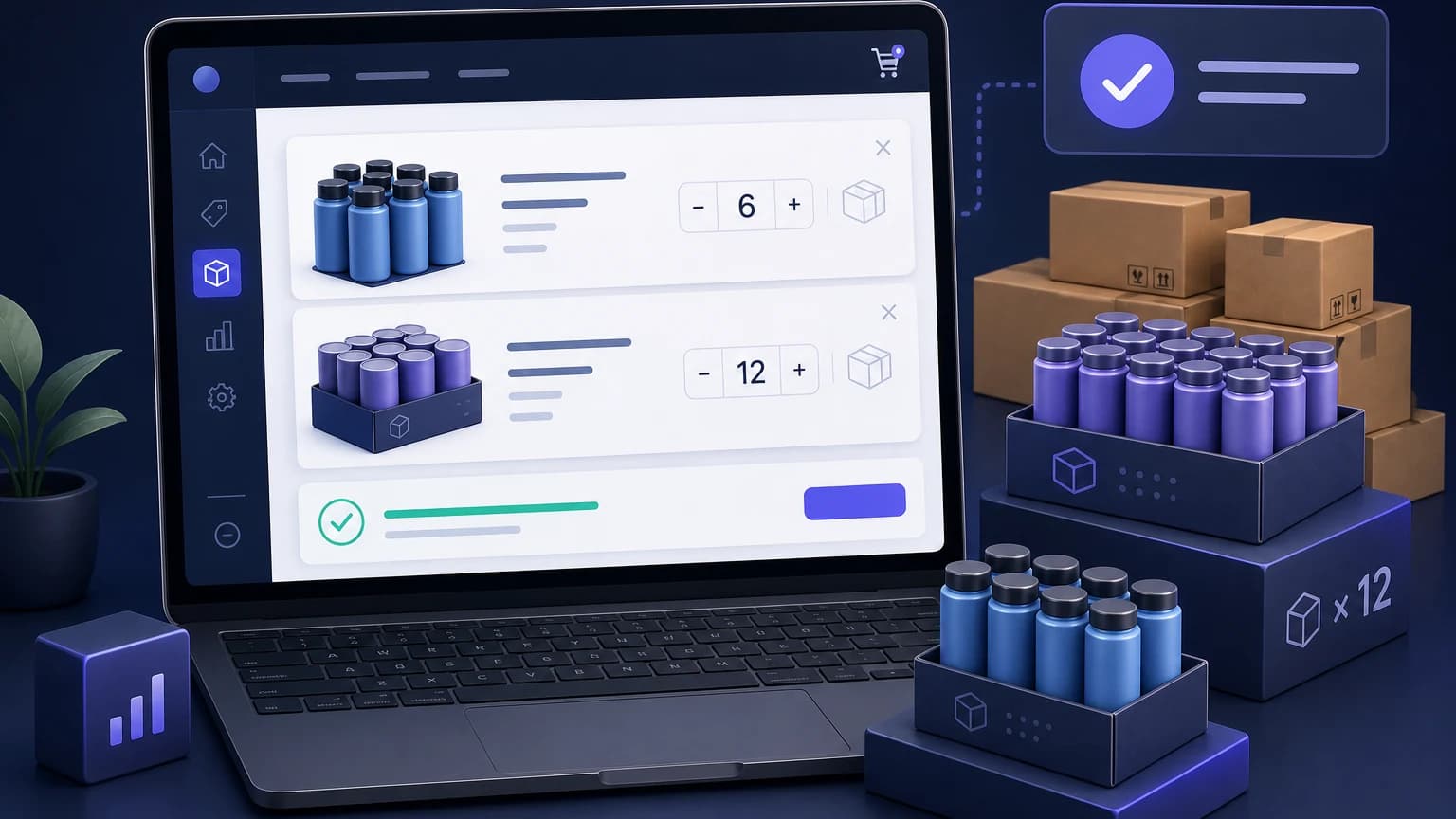
Some products should not be bought one unit at a time.
A beverage brand may ship cans by 12-pack. A candle wholesaler may sell cases of 6. A hardware store may want screws ordered in bags of 50, not 47 loose units that create work for the packing team. On the storefront, this often turns into a simple rule: the quantity must be a multiple of a number you choose.
The tricky part is not the math. It is making the rule feel normal to the customer. If someone adds 11 units and only finds out at checkout that the order is invalid, the store looks broken. If the message is clear early, most buyers just adjust the quantity and move on.
What quantity multiples mean
A quantity multiple rule requires the customer to buy in set increments.
If the multiple is 6, valid quantities are 6, 12, 18, 24, and so on. If the multiple is 12, valid quantities are 12, 24, 36, and so on.
This is different from a minimum order quantity. A minimum says "buy at least 6." A multiple says "buy in groups of 6." Many stores need both:
Minimum 12 units. Must be ordered in multiples of 6.That allows 12, 18, 24, and 30. It blocks 6 because the minimum is too low, and it blocks 14 because the pack size is wrong.
When multiples make sense
Use multiples when the order has to match how the product is packed, picked, made, or shipped.
Common cases:
- Products packed in cases of 6, 12, or 24
- Wholesale cartons that should not be split
- Food and beverage items sold by tray, sleeve, or crate
- Print or custom goods produced in batch sizes
- Components that ship in bags, strips, rolls, or boxes
- Mixed wholesale collections where the buyer should order full inner packs
A multiple rule is a bad fit when the real problem is order profitability. If small orders lose money, a minimum cart value may be cleaner. If a popular item keeps getting hoarded, a maximum quantity rule is the better tool.
The rule should match the operational pain. Do not use a case pack rule to fix a margin problem.
Product multiples vs cart multiples
There are two patterns merchants usually mean when they say "sell in multiples."
| Rule | What it checks | Example |
|---|---|---|
| Product quantity multiple | Quantity of a specific product or variant | This coffee SKU must be bought in multiples of 6 |
| Cart quantity multiple | Total quantity across the cart or collection | Wholesale snack items must total a multiple of 12 |
Product multiples are easier for shoppers to understand because the rule sits next to the item. Cart or collection multiples can be useful for wholesale, but the message needs to be extra clear. Otherwise a buyer has no idea which line item to change.
For example, this message is vague:
Cart quantity must be a multiple of 12.This is better:
Wholesale snack items ship in cartons of 12. Add 3 more snack units or remove 9 to complete a carton.The second version tells the buyer what happened and what to do next.
Where Shopify merchants need to be careful
Shopify's default setup may not cover every product multiple, collection multiple, customer tag, or cart validation rule a merchant needs. A theme can sometimes show helpful text near the quantity selector. Custom code can sometimes change the stepper so it moves from 6 to 12 to 18.
That is useful, but it may not be enough.
Customers can update quantities from more than one place: quick add, cart drawer, cart page, bundle apps, subscription flows, and sometimes checkout entry points. If the rule only lives on the product page, a buyer may still create an invalid cart somewhere else.
Test the awkward paths, not just the happy path:
- Add the product from a collection page.
- Change the quantity in the cart drawer.
- Mix variants with different pack sizes.
- Try mobile.
- Try a wholesale customer tag if the rule only applies to B2B buyers.
- Try removing one item after the cart was valid.
If the rule protects fulfillment, validate the cart before checkout. Display text helps shoppers. Validation protects the operation.
How to plan the rule before setup
Write the rule as a plain sentence first.
Good examples:
- "Wholesale candles ship in cases of 6. Customers must buy 6, 12, 18, or more."
- "This beverage tray contains 12 cans. Quantity must be a multiple of 12."
- "Retail customers can buy singles, but wholesale customers must buy in packs of 24."
- "Sample packs are limited to 1 per customer. This is not a multiple rule."
That last one matters. Merchants sometimes put every restriction into one mental bucket. Minimums, maximums, multiples, cart value rules, and customer tag rules do different jobs.
After the plain sentence, define the pieces:
| Question | Example answer |
|---|---|
| Which products or collections does this rule apply to? | Wholesale candle collection |
| What is the multiple? | 6 |
| Is there also a minimum? | Minimum 12 units |
| Does it apply to everyone? | Only customers tagged wholesale |
| Where should the message appear? | Product page and cart |
| What should happen before checkout? | Block checkout until the quantity is valid |
With Nexo Order Limits, merchants can set quantity multiple rules alongside minimums, maximums, cart value rules, and customer tag conditions. That is helpful when a store has retail shoppers and wholesale buyers using the same catalog.
Keep the customer message short
The buyer does not need your warehouse policy. They need the next action.
Use copy like:
This item ships in packs of 6. Choose 6, 12, 18, or more.Or, when the cart is already invalid:
Add 2 more units to complete a pack of 6.Avoid messages like:
Your cart does not meet the configured quantity requirements for this product.That may be technically accurate, but it makes the customer do the work.
FAQ
Can I sell products only in multiples of 6 on Shopify?
Yes, but the exact setup depends on your theme, apps, and validation approach. You can show pack size instructions on the product page, adjust quantity selectors in some themes, or use an order limit app to validate the cart before checkout.
Is a quantity multiple the same as MOQ?
No. MOQ sets the lowest allowed quantity. A multiple controls the increments. A product can have both, such as minimum 12 units and multiples of 6.
Should I use multiples or minimum order value?
Use multiples when units must match packs, cartons, trays, or production batches. Use minimum order value when the problem is low-value orders that are not worth processing.
Can wholesale customers have different multiples than retail customers?
Yes, if your setup supports customer-specific rules. Many B2B stores use customer tags so retail buyers can buy singles while wholesale buyers must order full cases.
Where should I show quantity multiple messages?
Show them near the quantity selector and again in the cart when the quantity is invalid. If the rule matters, validate before checkout so customers cannot bypass it from another cart surface.