
Shopify maximum quantity per customer: how to prevent hoarding
A practical guide for Shopify merchants who need max quantity rules, fair purchase limits, and checkout validation before one buyer clears the stock.
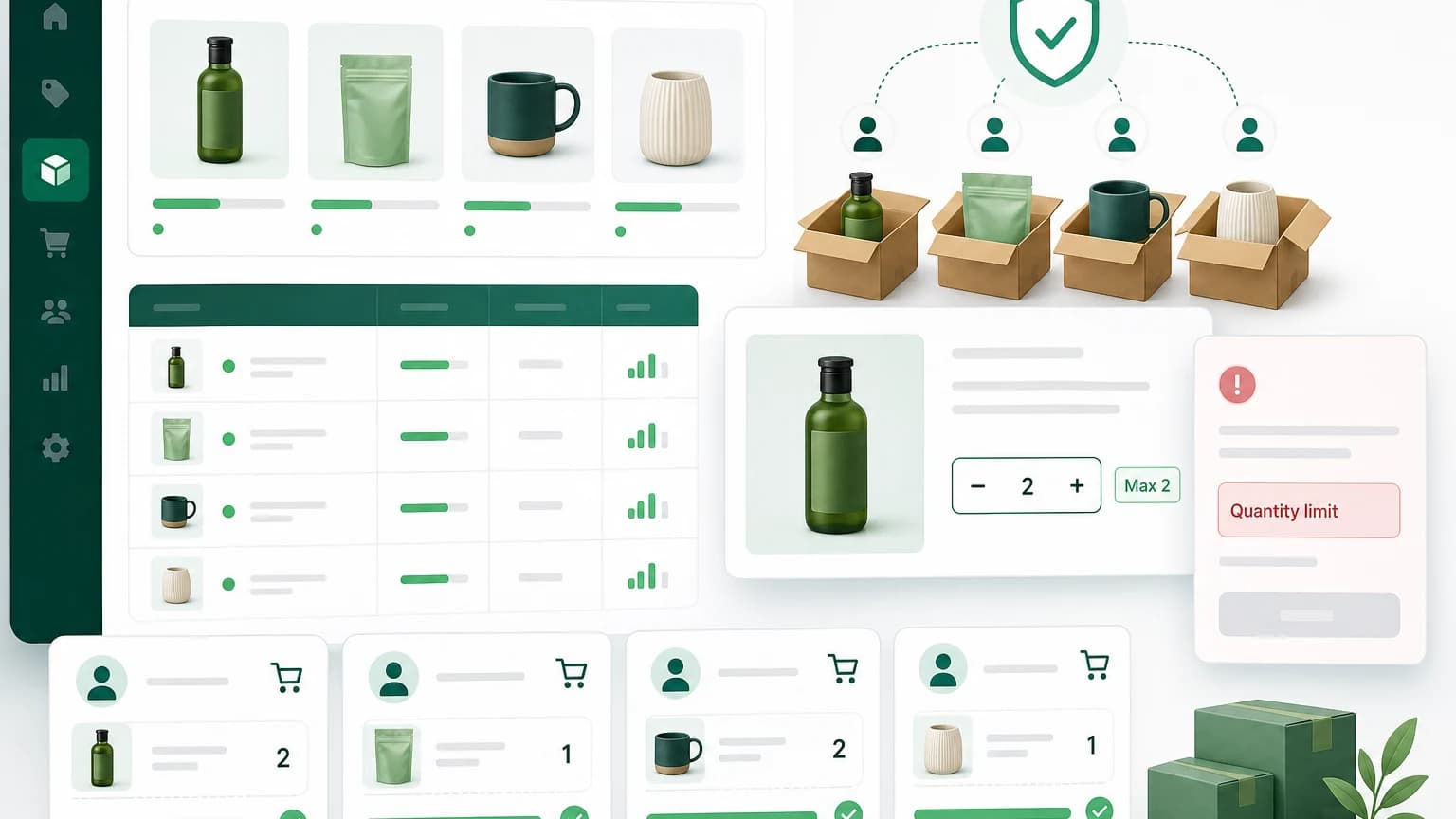
A product launch can look healthy in the first ten minutes and still create a mess for the team packing orders.
One customer buys 40 units. A reseller places three separate orders. Regular customers arrive late and see the product is gone. Support starts getting messages that all sound the same: "I had it in my cart. Why did it sell out so fast?"
That is usually when a Shopify merchant starts looking for a maximum quantity per customer rule.
Shopify gives you inventory tracking, cart settings, and checkout rules depending on your plan and setup. But a plain "max 2 per customer" rule is not always available in the exact place you need it. For many stores, especially stores running drops, samples, wholesale catalogs, or limited stock products, you need a rule that checks the cart before checkout.
What maximum quantity per customer means
Maximum quantity per customer means a shopper can only buy up to a certain number of units within a single order, product, collection, or customer group.
A few common examples:
| Store situation | Rule that usually fits |
|---|---|
| Limited edition product | Max 1 or 2 units per customer |
| Sample products | Max 1 sample per SKU |
| Wholesale catalog | Max 48 units unless the customer has an approved tag |
| Flash sale | Max 3 units from the launch collection |
| Subscription starter kit | Max 1 kit per order |
The point is not to punish good buyers. The point is to keep one cart from creating a fulfillment, fairness, or inventory problem.
When a max quantity rule is worth adding
You probably do not need max limits for every product. If someone wants to buy 12 candles and you can fulfill the order profitably, let them.
Max quantity rules make sense when there is a real constraint behind the product.
Limited inventory
If you only have 300 units for a drop, a max quantity rule spreads stock across more customers. It does not guarantee perfect fairness, but it stops the most obvious hoarding pattern: one person putting a large part of the available stock into one cart.
Sample abuse
Samples are meant to help a customer try the product before buying the full size. Without a limit, a customer may order only samples, or add the same sample many times because the price is low.
A simple rule like "max 1 sample per product" keeps the sample program from turning into a discount loophole.
Wholesale exceptions
Some stores need the opposite behavior for different customers. Retail shoppers should have a cap, but approved wholesale customers should be allowed to buy more.
That is where customer tags matter. A retail customer might see max 6 units. A customer tagged wholesale might be allowed up to 72 units, or no maximum at all.
Operational limits
Sometimes the warehouse, not the marketing team, needs the rule. Maybe a bulky product can only ship safely in two units per parcel. Maybe more than four units requires manual freight handling. Maybe your team can handle large orders, but not during a campaign week.
Those are valid reasons to cap quantity before checkout instead of fixing the problem after the order is paid.
Product-level, collection-level, and cart-level limits
Before setting the rule, decide what you actually want to limit.
Product-level maximum
Use this when one SKU has its own cap.
Example: "A customer can buy at most 2 units of the limited bottle."
This is the cleanest rule for limited edition products, samples, preorder items, and products with strict supply.
Collection-level maximum
Use this when the buyer can choose from a group, but should not exceed a total quantity.
Example: "A customer can buy at most 3 items from the launch collection."
This works better than setting max 3 on every product, because otherwise a customer could buy 3 of each item and still clear far more stock than intended.
Cart-level maximum
Use this when the total cart quantity matters.
Example: "No more than 20 units per order."
This is useful for operations rules, shipping rules, and small teams that want to avoid oversized orders during busy periods.
A practical setup pattern for Shopify stores
Here is a simple way to think through the rule before touching your Shopify admin.
- Pick the product or collection that needs protection.
- Decide whether the limit should apply per product, per collection, or per whole cart.
- Choose the customer group: all customers, logged-in customers, retail customers, wholesale customers, VIP customers, or a tag-based segment.
- Write the error message in plain language.
- Test the rule with a cart that passes and a cart that fails.
The error message matters more than most teams expect. "Cart validation failed" sounds like the store is broken. "You can buy up to 2 units of this product per order" tells the customer exactly how to fix the cart.
How to set max quantity rules with Nexo Order Limits
With Nexo Order Limits, you can create maximum quantity rules without writing custom checkout code.
A typical setup looks like this:
- Create a new order limit rule.
- Choose the scope: product, collection, customer tag, or cart.
- Set the maximum quantity.
- Add a customer-facing message.
- Save the rule and test checkout.
For example, a flash sale rule might be:
Scope: Collection = Summer drop
Rule: Maximum quantity = 2
Customer group: All customers
Message: You can buy up to 2 items from this drop per order.
A wholesale exception might look like this:
Scope: Product = Protein bar case
Rule for retail customers: Maximum quantity = 4
Rule for customers tagged wholesale: Maximum quantity = 48
Message: This product has a quantity limit for retail orders.
The useful part is that you can keep the rule close to the business logic. You do not need to hard-code a one-off check, then remember to remove it after the campaign.
What max quantity rules cannot solve
A maximum quantity rule is not a complete anti-bot system. It will not stop every reseller, every duplicate account, or every payment method trick.
It does help with the simplest and most common problem: carts that exceed the limit you are willing to fulfill.
If you are running a high-demand drop, combine quantity limits with other controls:
- require customer login for the launch
- use customer tags for early access groups
- keep the limit visible on the product page
- watch duplicate names, addresses, or emails after the sale
- decide in advance whether you will cancel suspicious orders
The last point is uncomfortable, but it matters. A limit at checkout is only one part of your policy. Your support team should know what happens if someone tries to bypass it.
Where to show the limit
Do not hide the rule until checkout.
If the first time a customer learns about the limit is after clicking "Pay now," the rule feels like a bug. Put the limit near the quantity selector, in the product description, or in the sale FAQ.
Good copy is short:
Limit 2 per customer for this drop.For wholesale rules:
Retail orders are capped at 6 units. Approved wholesale accounts can order larger quantities after logging in.For sample rules:
One sample per product per order.You do not need a long explanation unless customers are likely to be confused.
FAQ
Can Shopify limit quantity per customer by default?
Shopify can track inventory and quantity in the cart, but many stores need more specific rules than the default setup provides. Product-level, collection-level, cart-level, and customer-tag rules usually require an app or custom implementation.
Should the limit apply per order or per customer history?
Per-order limits are simpler and work well for many stores. Purchase-history limits are stricter, but they require checking what the customer bought before. Use history-based limits only when you really need them, such as samples, regulated products, or repeated abuse.
Can I set different limits for wholesale customers?
Yes, if your setup supports customer tags or segments. A common pattern is a lower cap for retail shoppers and a higher cap for customers tagged wholesale.
What is the best max quantity for a flash sale?
It depends on stock, demand, and how many customers you want to serve. For limited drops, many merchants start with max 1 or 2 units per customer, then loosen the rule later if inventory remains.
Will max quantity rules hurt conversion?
They can reduce order size for a small number of buyers. But if the product is scarce, the tradeoff is usually worth it: more customers get a chance to buy, and your team avoids oversized orders that create support and fulfillment problems.