
How to validate cart quantity before checkout on Shopify
A practical way to catch invalid quantities in the cart before a customer reaches checkout, especially for MOQ, maximum quantity, and case pack rules.
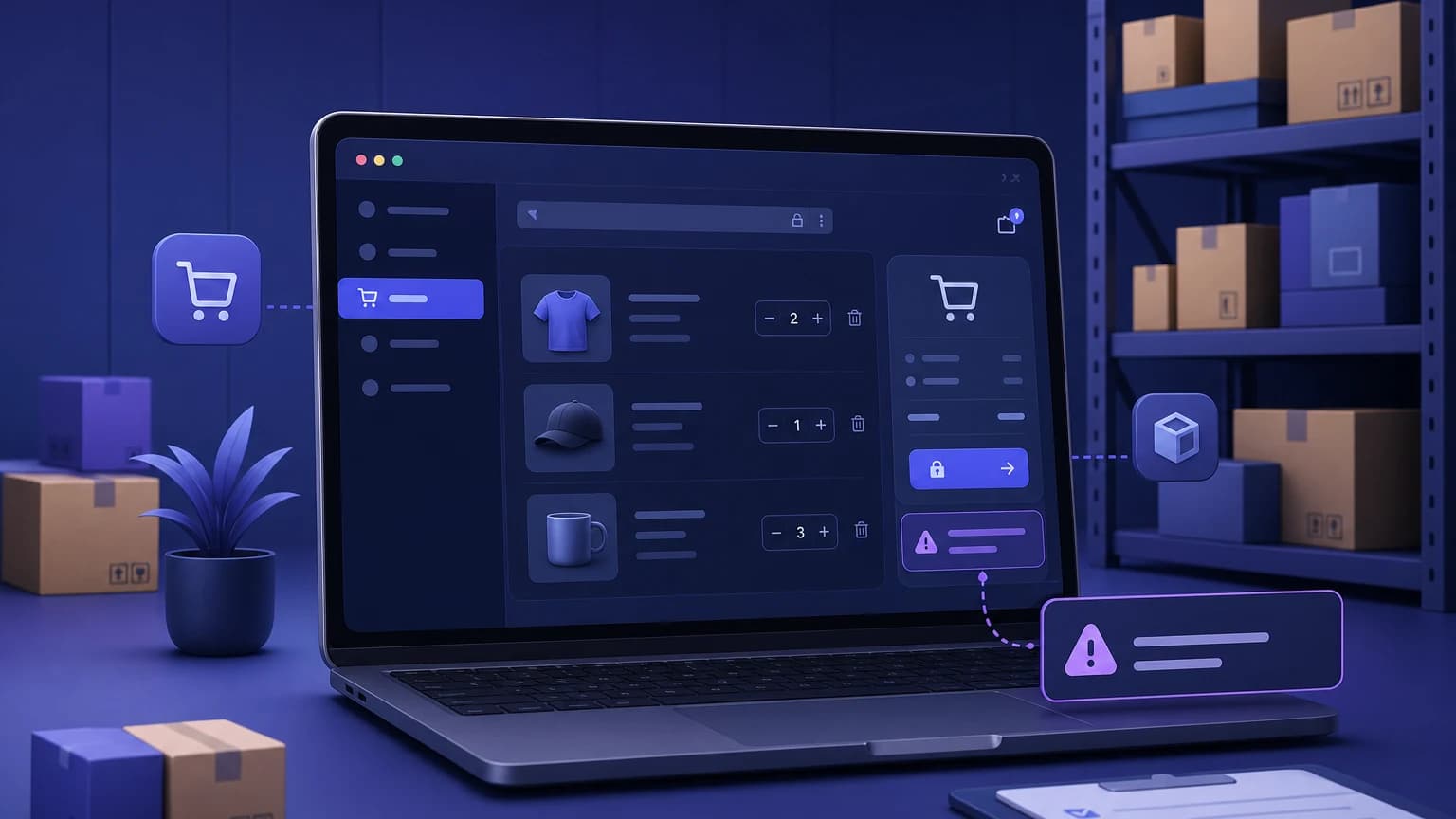
A quantity rule is only useful if the store catches the problem before the order is placed.
That sounds obvious until you see the messy paths shoppers take. They add from a collection page, change quantity in the cart drawer, come back from a saved cart, use quick add, mix variants, or hit checkout from a button your team forgot to test. If your rule only lives beside the product quantity picker, it may work in the demo and fail in the cart.
For Shopify merchants selling case packs, wholesale cartons, samples, limited drops, or B2B minimums, cart quantity validation is the part that keeps the rule real.
What cart quantity validation means
Cart quantity validation checks the items in the cart before the customer can continue to checkout. The store looks at the current cart and asks: are these quantities allowed?
That can include rules like:
- This product must be bought in multiples of 12.
- Wholesale customers must order at least 24 units from this collection.
- Sample products are limited to 1 per customer.
- Total units in the cart must be 6 or more.
- A specific SKU cannot exceed 3 units in one cart.
The important part is timing. Product page messaging helps. Quantity stepper changes help. But cart validation is where the store says, "This cart is not ready yet," and points the buyer to the fix.
Why product page rules are not enough
Many stores start by editing the product page. They add a note near the quantity selector or change the stepper so it moves by 6 instead of 1.
That can be useful, but it does not cover every path.
A buyer may add the item from a collection grid. A wholesale customer may update quantities in the cart drawer. A returning customer may reopen an old cart. A bundle, subscription, or upsell flow may add quantities without using the product template at all.
None of this means the product page work was wasted. It means the product page is only one door into the cart. If the rule protects margin, inventory fairness, or warehouse packing, validate the cart too.
Cart rules merchants usually need
Most quantity validation rules fall into a few practical buckets.
Minimum product quantity
Use this when a product should not be purchased below a certain quantity.
Example:
This wholesale soap SKU has a minimum of 12 units.The cart should block 1, 6, or 11 units and explain the minimum in plain language.
Maximum product quantity
Use this when you want to stop hoarding or protect limited inventory.
Example:
Limited edition mug: maximum 2 per customer.Be careful with the wording. If you say "per customer" but only check the current cart, the message should not imply you are checking lifetime purchase history unless you actually are.
Quantity multiples
Use this when products ship, pack, or get produced in fixed increments.
Example:
Coffee sleeves ship in packs of 6. Quantity must be 6, 12, 18, and so on.A good cart message tells the buyer how far off they are: "Add 2 more or remove 4 to complete a pack of 6."
Cart-level minimum quantity
Use this when the whole order needs enough units to make packing or fulfillment worth it.
Example:
Wholesale orders require at least 24 total units.This is different from a minimum order value. If your pain is low margin, a dollar amount may fit better. If your pain is warehouse handling, total quantity may be the cleaner rule.
Customer tag rules
Retail and wholesale buyers often need different limits. A retail customer may buy one item at a time, while a wholesale customer must buy cartons.
If the rule depends on a customer tag, test both logged-in and logged-out behavior. Also decide what happens when a wholesale buyer forgets to log in. The message should guide them without exposing internal tags.
Make the error message useful
Bad validation copy sounds like a system error.
Cart quantity invalid.That does not help anyone.
Better copy explains three things: what happened, what rule applies, and what the buyer can do next.
Coffee sleeves ship in packs of 6. Add 2 more sleeves or remove 4 to continue.For minimums:
Wholesale soap has a minimum of 12 units. Add 5 more to check out.For maximums:
This sample is limited to 1 per order. Remove 2 samples to continue.Keep it short. The buyer does not need the warehouse policy. They need the next click.
Where to show the validation
Show the rule as early as you can, then enforce it at the cart.
Useful places include:
- Product page, near the quantity selector
- Quick add or collection cards if the rule affects those flows
- Cart drawer, beside the affected item
- Cart page, above the checkout button
- Checkout entry point, if your setup supports that kind of validation
Shopify's default setup may not cover every product, collection, customer tag, or cart validation rule a merchant needs. Some stores can handle parts of this with theme copy or custom code. Others need an app or a more technical implementation. The safe answer is to map the buying paths first, then decide where the rule has to run.
A simple testing checklist
Before you trust a cart rule, try to break it.
- Add the product from the product page.
- Add the same product from a collection or quick add flow.
- Change the quantity in the cart drawer.
- Change the quantity on the cart page.
- Mix two variants of the same product.
- Test mobile, not just desktop.
- Test a logged-in wholesale customer and a normal retail customer.
- Try the exact invalid quantities you expect shoppers to enter: 0, 1, one below the minimum, one above the maximum, and one off from the multiple.
If the cart gets blocked, read the message like a customer. Would you know what to change? If not, the rule may be technically correct and still feel broken.
How Nexo Order Limits fits
Nexo Order Limits is built for stores that need order rules to match real buying and fulfillment constraints. You can use it for minimums, maximums, quantity multiples, cart value rules, and customer tag conditions without turning the whole store into a custom development project.
That said, the rule design still matters. Start with the sentence a warehouse lead or store operator would say out loud: "Wholesale candles ship in cases of 6" or "Samples are limited to 1 per order." Then turn that sentence into a rule, a cart message, and a test case.
FAQ
Can Shopify validate cart quantity before checkout?
Shopify can support some quantity guidance through themes, product copy, and custom implementations, but the default setup may not cover every cart quantity rule merchants need. Stores that need product-specific, collection-specific, customer tag, or multiple-based rules often use an order limit app or custom validation.
Is a cart quantity rule different from a product quantity rule?
Yes. A product quantity rule checks one product or variant. A cart quantity rule checks the cart as a whole, or checks the rule after all cart changes have happened. Many stores need both: early guidance on the product page and enforcement in the cart.
Should I block checkout or only show a warning?
If the rule protects profit, inventory fairness, packing, or compliance, a warning is usually not enough. Shoppers can miss warnings. Blocking checkout until the cart is valid gives the rule teeth, as long as the message clearly explains what to fix.
What is the best message for invalid cart quantity?
Use plain language that names the product, states the rule, and gives the next action. For example: "Coffee sleeves ship in packs of 6. Add 2 more or remove 4 to continue." Avoid vague messages like "Invalid quantity."